Stage Elements
Information about the objects that can be placed inside a level.Level
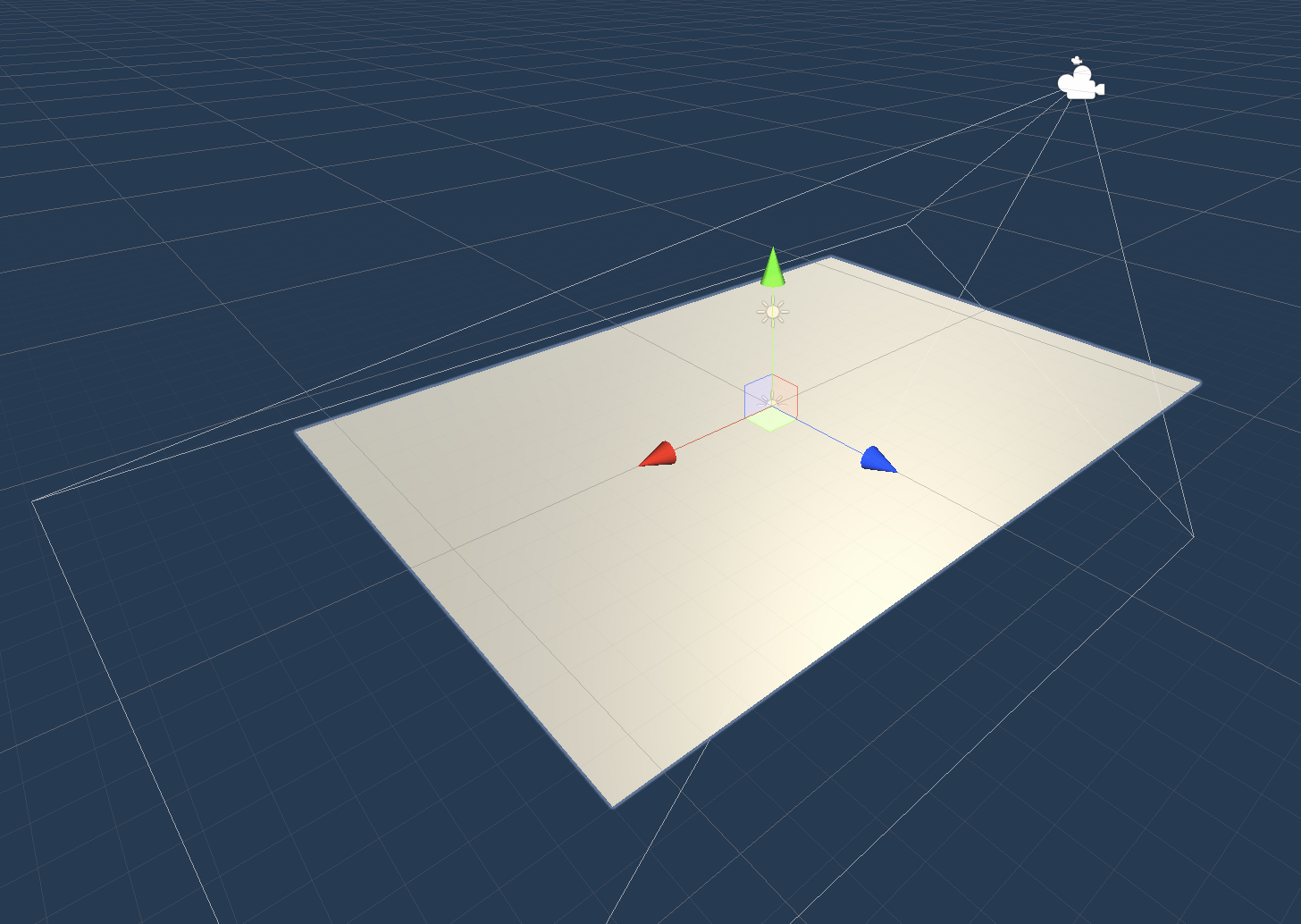
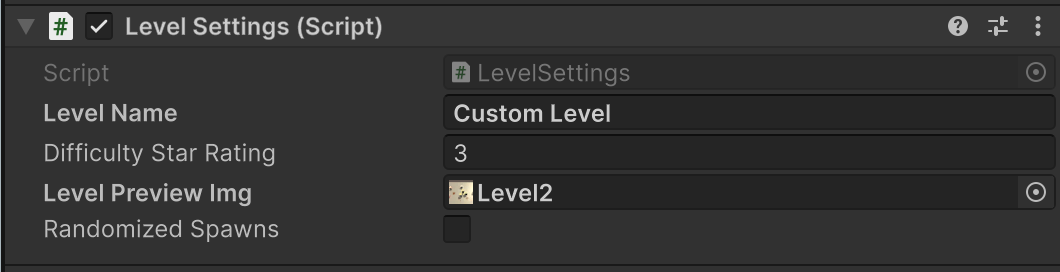
The Level contains a floor plane and a lighting approximation. The boundary of the plane matches the playable area in-game. The preview camera matches the in-game camera in angle and FOV, and can be viewed by switching to the Game tab in the Unity Editor.
Settings:
- Level Name: the display name of the level in the in-game level selector.
- Difficulty Star Rating: the number of stars to display in the in-game level selector, indicating the difficulty of the level. Only used in Campaign-mode stages.
- Level Preview Img: The image to display on the level button in the in-game level selector.
- Randomized Spawns: Whether the spawnpoints should be considered in index order with players spawning at consistent locations, or if the spawnpoints should be shuffled before spawning tanks. Only applies to Battle-mode stages.
Wall
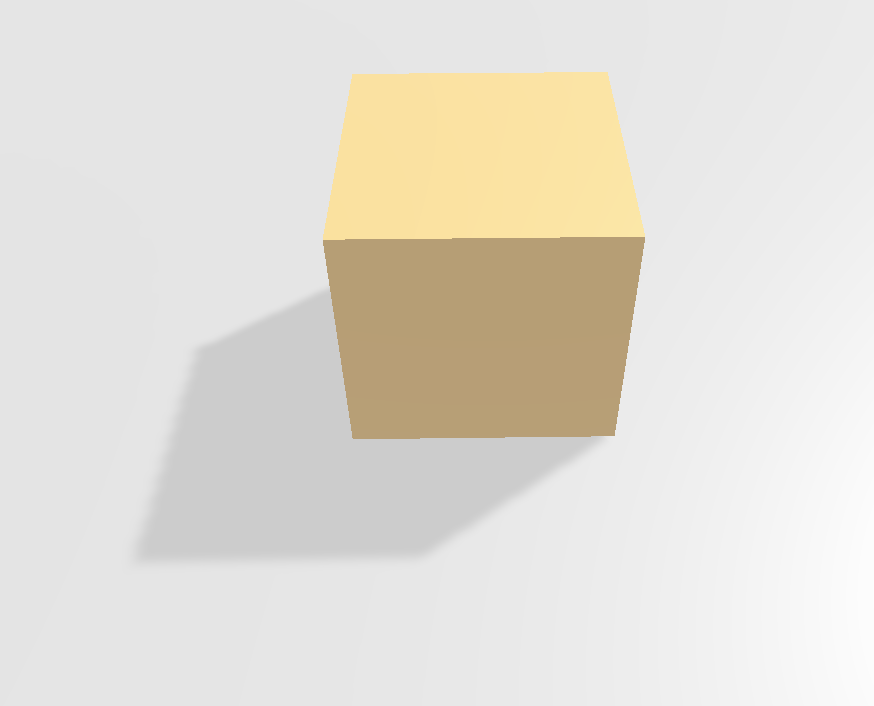
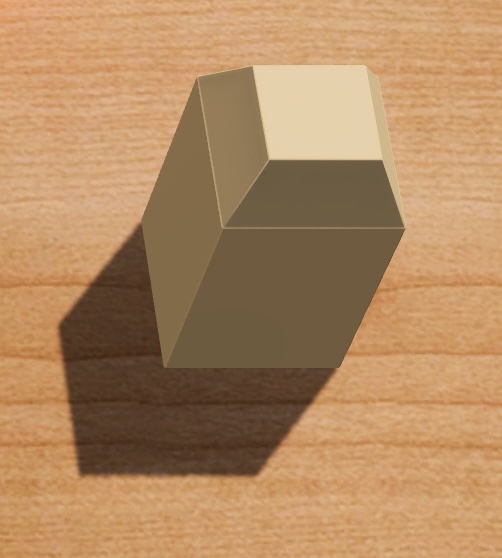
This element is a simple wall. It cannot be destroyed and bullets bounce off of it. The wall has no settings.
Breakable Wall
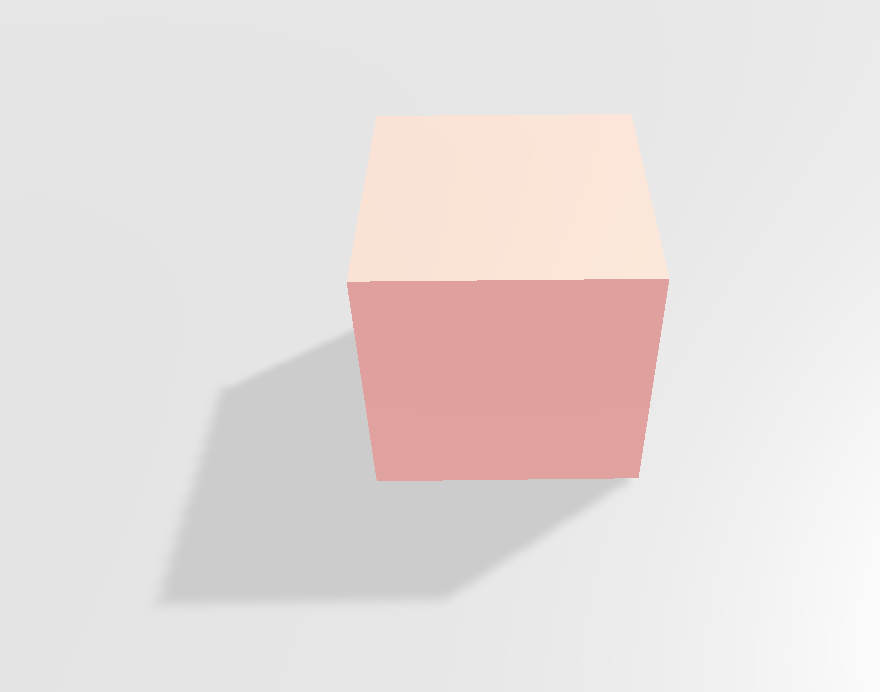
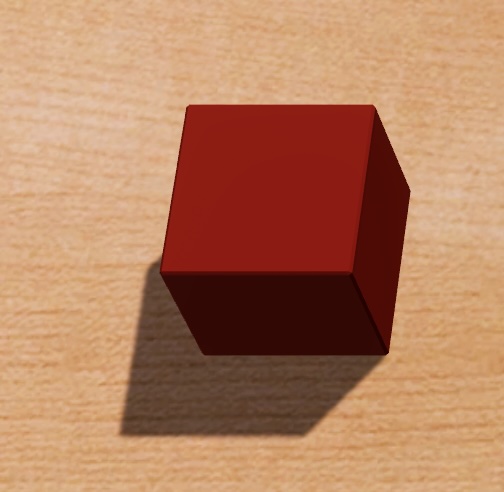
This element is similar to a normal wall, but a mine explosion nearby will destroy it, enabling tanks to pass through its position.
Settings:
- Type: Which model to use for the wall. The short model is a cube, while the tall model mirrors the normal wall with a beveled top.
Glass Wall
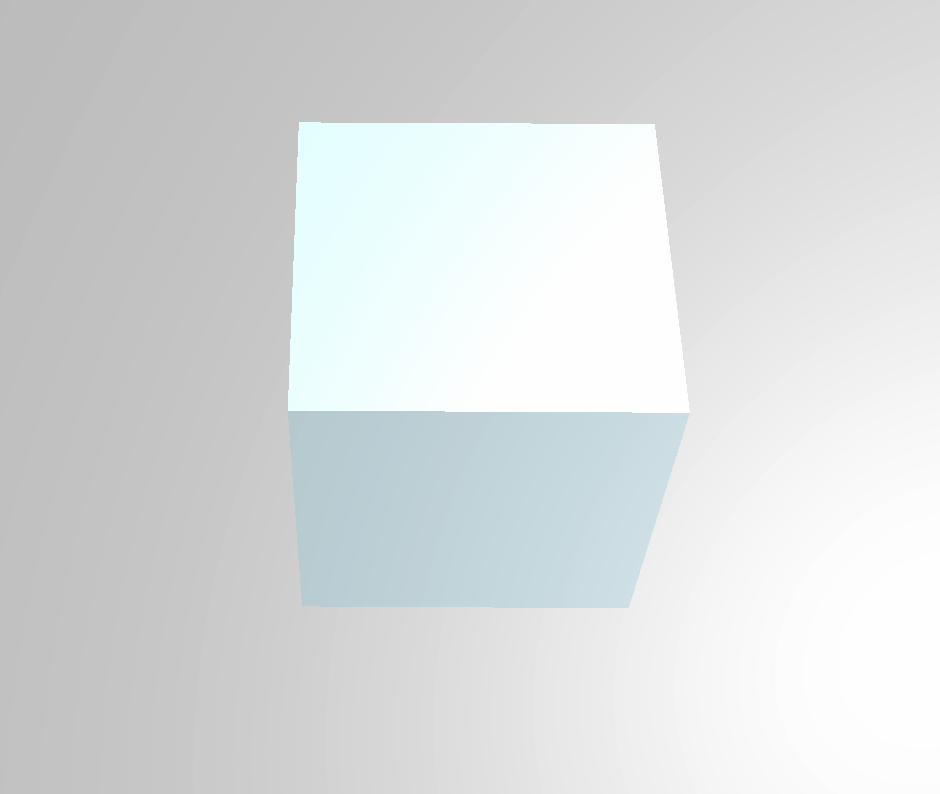
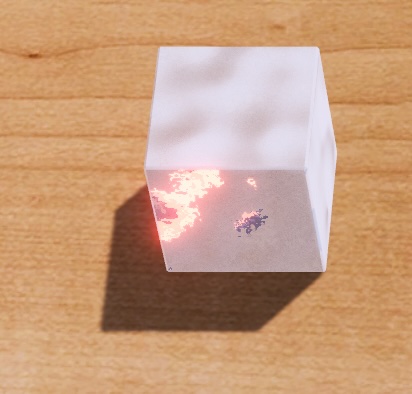
Like the breakable wall, a mine explosion will destroy it, but bullets will also damage it as they bounce off. The Glass Wall has no settings.
Hole
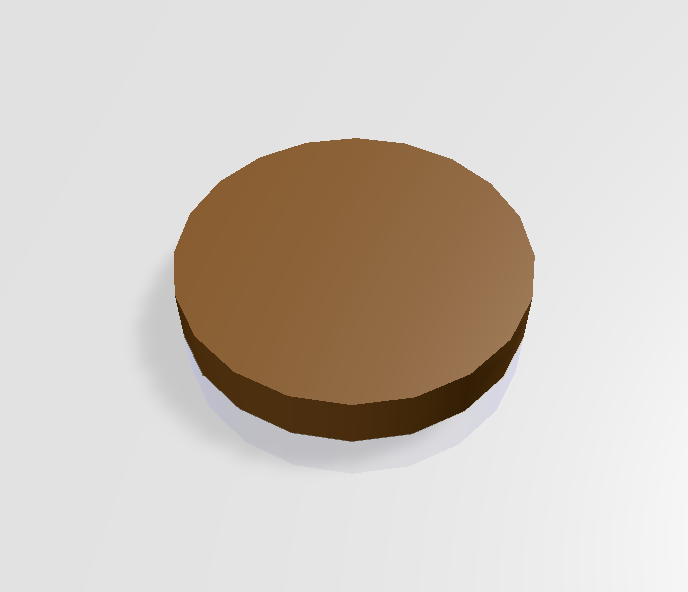
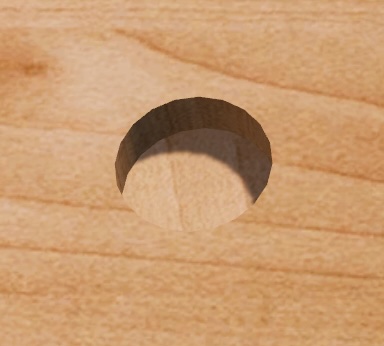
A hole prevents tanks from driving through its position, but bullets can fly over it. The Hole has no settings.
Player Spawnpoint

Indicates the starting positions of players. You must have exactly four spawnpoints in a level. The Spawnpoint has no in-game visual representation, and has no settings.
Portal
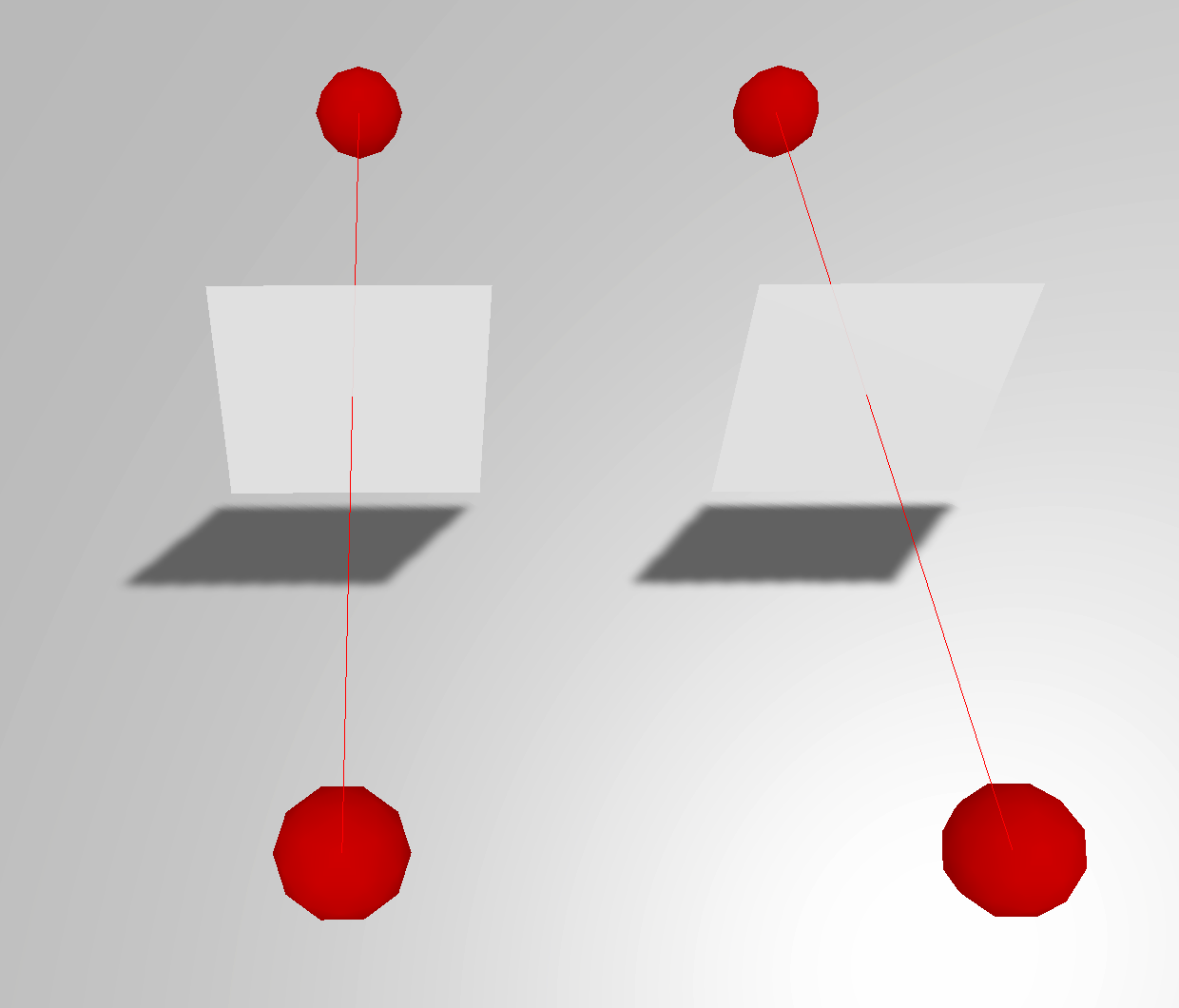
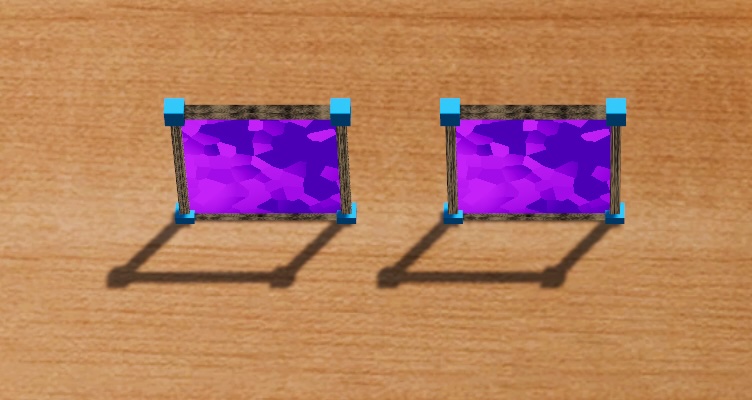
Objects that enter a portal are teleported to the corresponding location on the opposite portal. Portals do not need to share a parent, which is useful for having moving portals.
Settings:
- Direction: Whether bullets can exit a portal from the front, the back, or both. Tanks always exit on the Front side of a portal.
- Exit Portal: The corresponding portal to the current portal. Note that portals must be cyclical. For example, if Portal A outputs to Portal B, then Portal B must output to Portal A.
Dynamic Stage Elements
Button
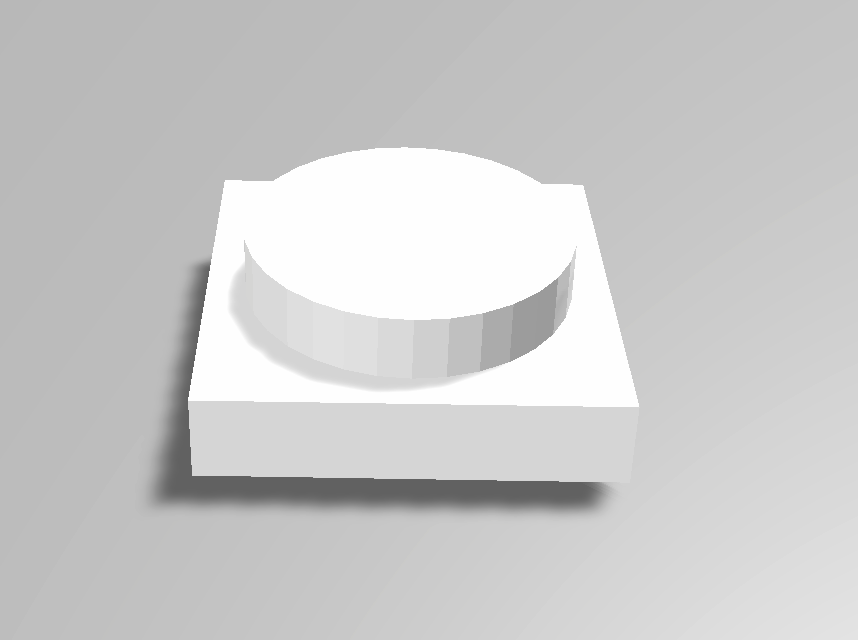
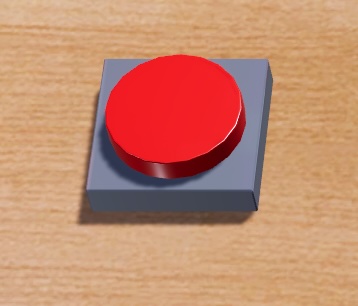
A button briefly activates, then deactivates objects that are connected to it when it is hit by a bullet or when a mine explodes nearby.
Settings:
- Outputs: a list of compatible objects to activate when the button is pressed.
Lever

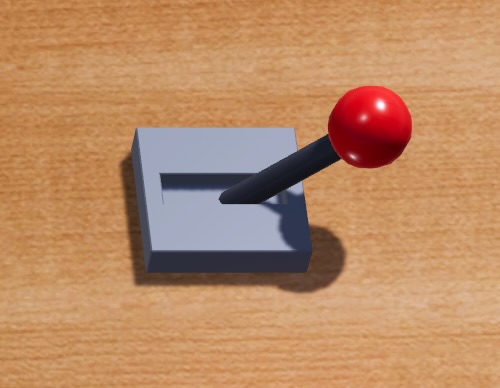
A lever toggles its state when it is hit by a bullet, or when a mine explodes nearby, activating or deactivating connected objects accordingly.
Settings:
- Outputs: a list of compatible objects to activate when the lever is activated.
- Initial state: Whether the lever should start in its On state or its Off state. This is useful for making things automatically activate when the level begins.
Pressure Plate
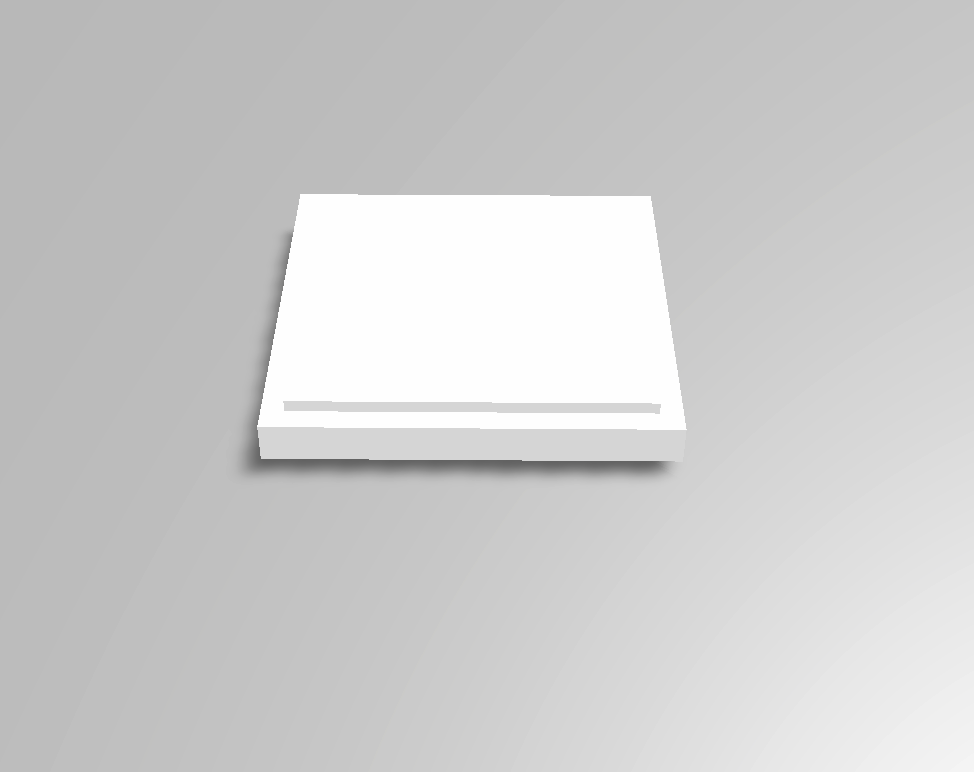
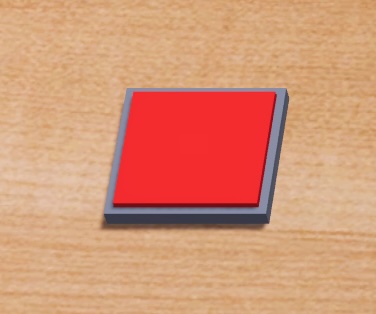
The pressure plate activates when a tank drives on it, or when a mine is placed on it. When all objects leave the pressure plate, it deactivates.
Settings:
- Outputs: a list of compatible objects to activate when the pressure plate is activated.
Rail
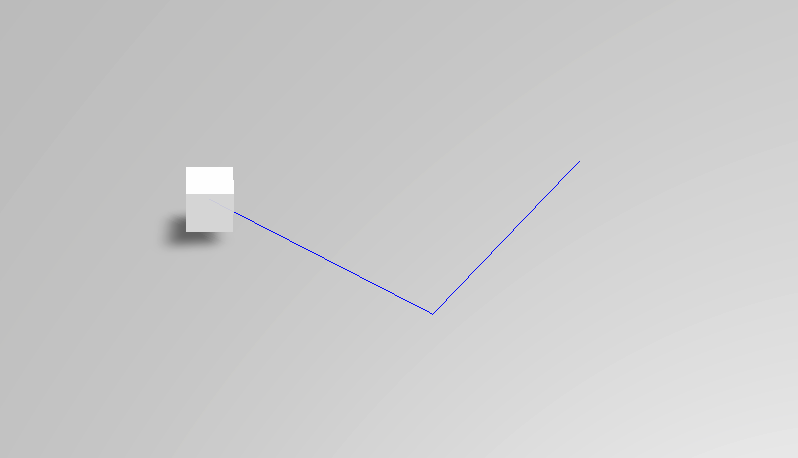
The rail moves along a path. The exact behavior is governed by the Mode. The rail is invisible in-game. To make objects travel with the rail, parent them to the rail.
Settings:
- Track: a list of 3D positions composing the path for the Rail. The blue line in the editor displays the path visually.
- Mode: the operation mode of the Rail.
- Oscillate: When the rail reaches the end of its path, it reverses course and travels the opposite direction along the path. When deactivated, it freezes in place.
- A To B: When the rail is activated, it travels towards the end of its path, stopping when it reaches the end. When the rail is deactivated, it travels towards the beginning of its path, stopping when it arrives.
- Loop: When the rail is activated, it travels towards the end of its path. When it reaches the end, it travels directly to the beginning to repeat. When deactivated, it freezes in place.
Axel
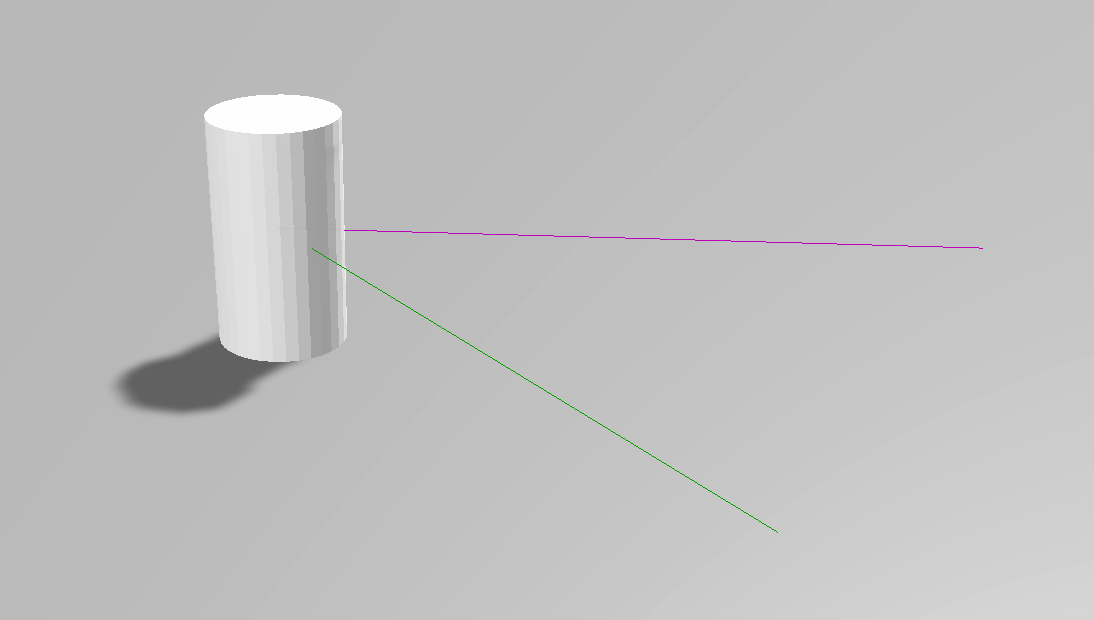
The axel rotates in place. The exact behavior is governed by the Mode. The axel is invisible in-game. To make objects travel with the axel, parent them to the axel.
Settings:
- Type: The rotation mode of the axel.
- Freespinning: When activated, the axel rotates in the positive direction about its Y-axis. When deactivated, the axel stops rotating.
- Servo: When activated, the axel rotates to its target displacement. When deactivated, it rotates back to its rest position. The pink line in-editor represents the forward vector of the axel at-rest, while the green line represents the forward vector of the axel at its ending position.
- If Freespinning - Speed: The rotational speed of the axel.
- If Servo - Target Displacement: The rotational displacement from the starting angle to assume.
- If Servo - Speed To Next: The rotational speed of the axel in servo mode.
Boxing Glove
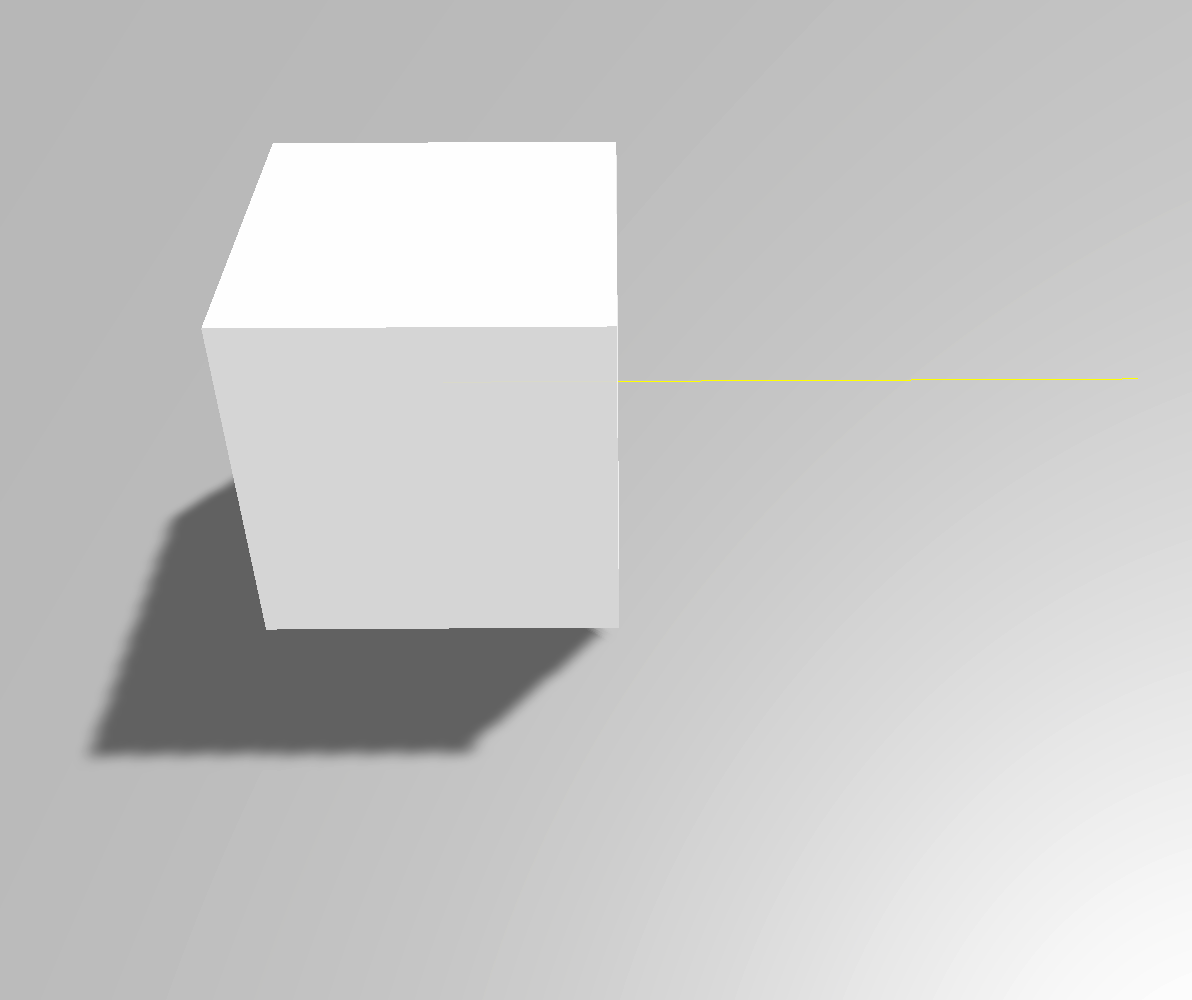
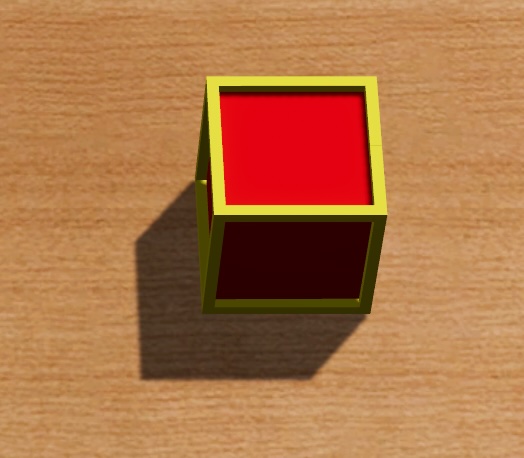
A boxing glove punches tanks in front of it when it is activated. In the level builder, the yellow line indicates the front face of the boxing glove. The Boxing Glove has no settings.
Forcefield
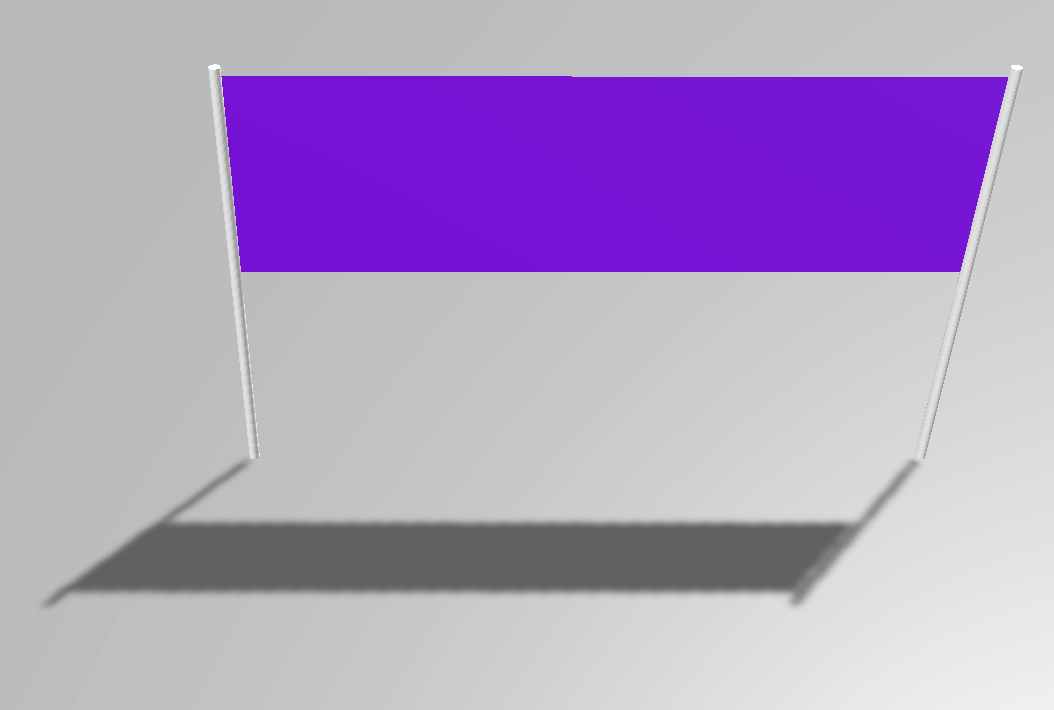
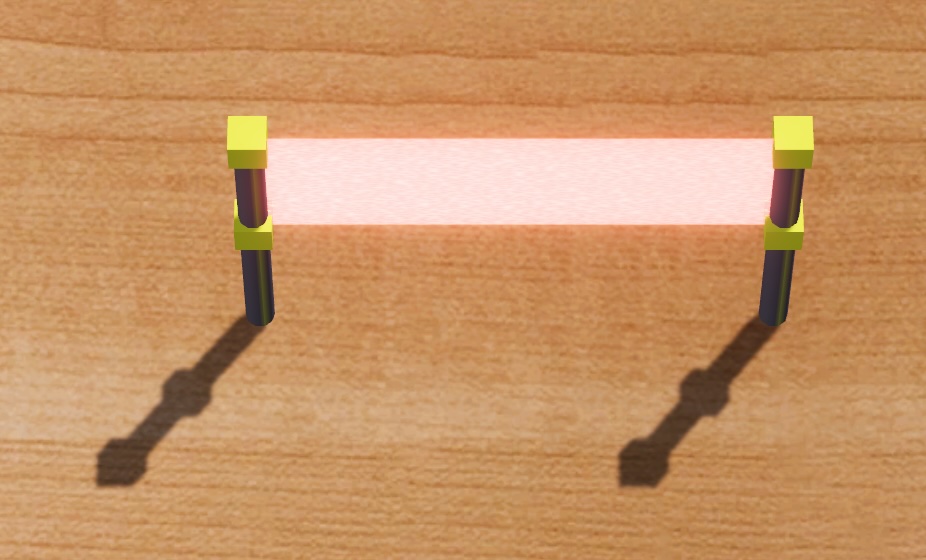
When active, a forcefield behaves like a wall for bullets, but tanks can freely drive through it. When deactivated, bullets can pass through it.
Settings:
- Post Distance: the width of the forcefield.
Lamp
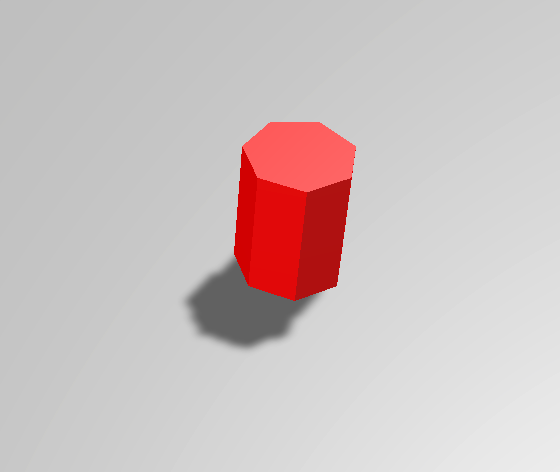

Glows when active. The Lamp has no settings.
Logic Gate
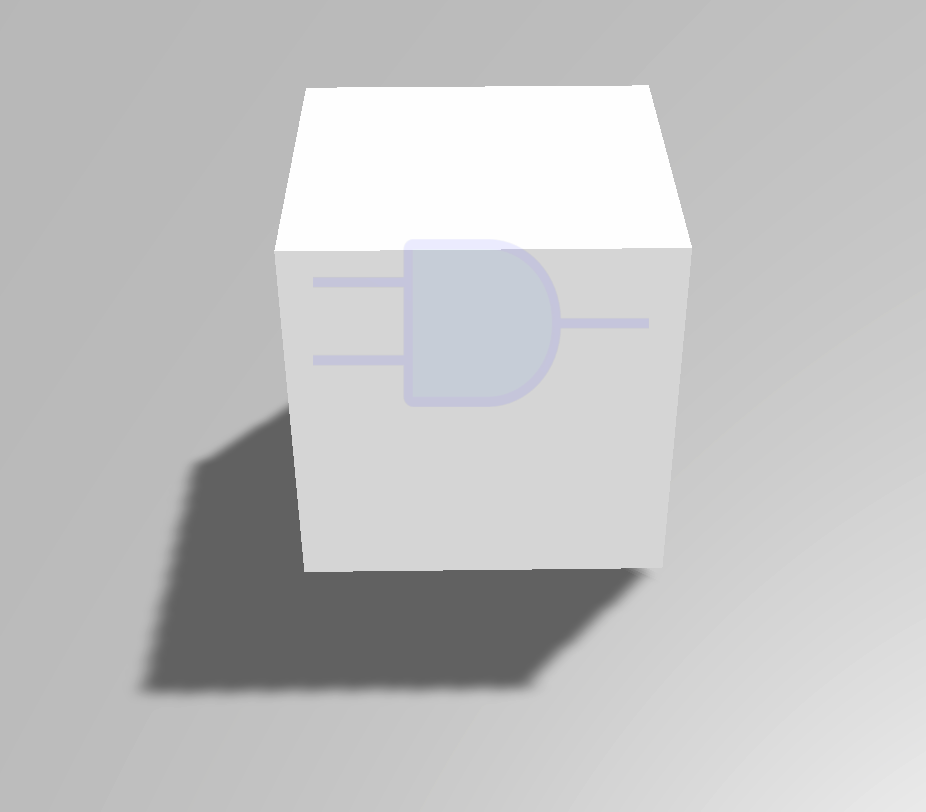
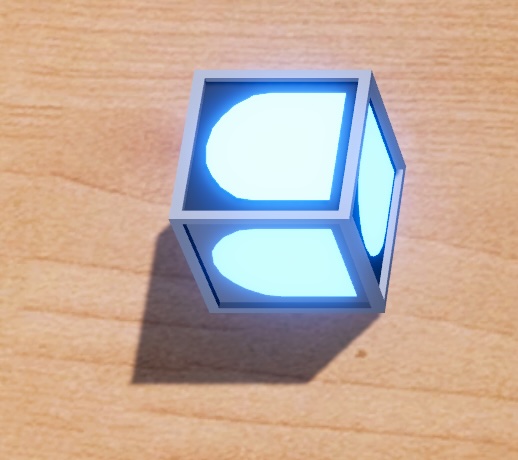
The Logic Gate performs a Boolean operation on the connected inputs. A logic gate connected to no inputs always evaluates to False, regardless of operation type.
Settings:
- Outputs: a list of compatible objects to activate when the logic gate is activated.
- Visible: Whether the Logic Gate is visually rendered in the scene and has collision. An Invisible Logic Gate has no collision, and is not synchronized to online players to improve performance.
- Type: The Boolean operation to apply to the connected signals.
- AND: True if all of the inputs are true.
- OR: True if any of the inputs are true.
- XOR: True if an odd number of the inputs is true.
- NOT: True if all of the inputs are false. Note that a zero-input NOT gate also evaluates to false.
- NAND: True if any of the inputs are false.
- NOR: False if any of the inputs are true.
- XNOR: True if an even number of inputs is true.
Delay Block
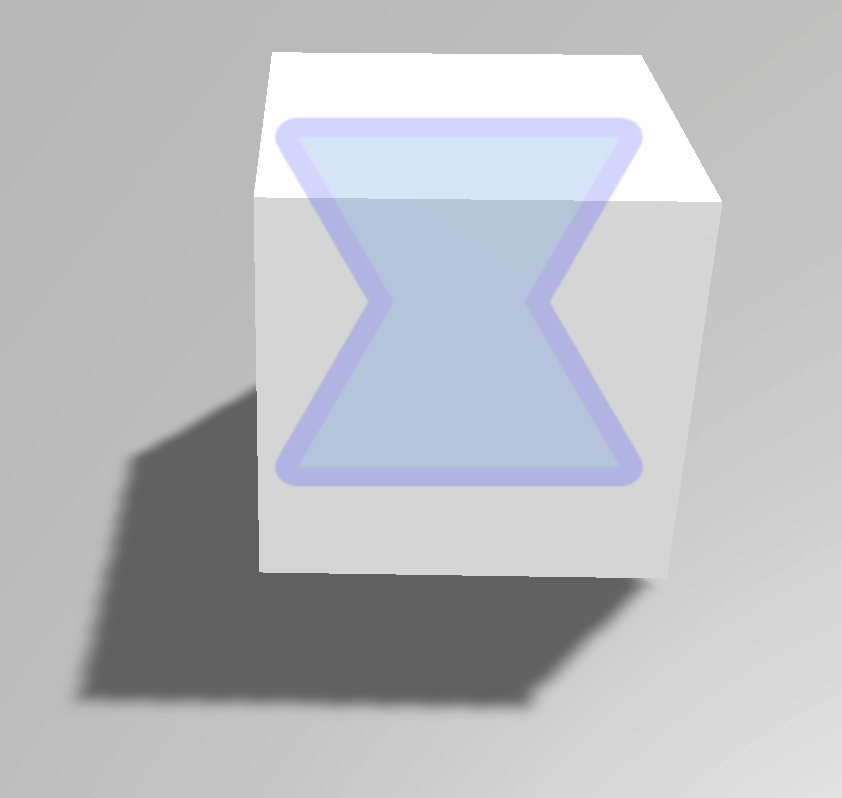
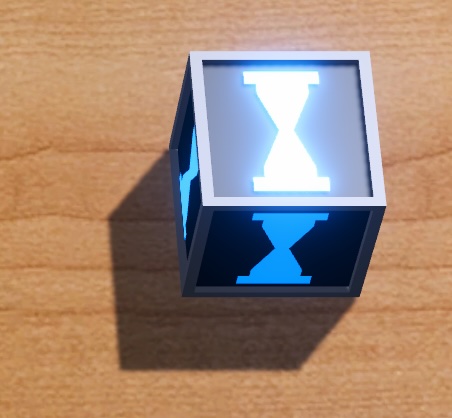
A delay block delays and extends a signal by a configurable amount.
Settings:
- Outputs: a list of compatible objects to activate when the delay block is activated.
- Delay Duration: the length (in seconds) of the delay and subsequent pulse extension.
- Visible: Whether the Delay Block is visually rendered in the scene and has collision. An Invisible delay block has no collision, and is not synchronized to online players to improve performance.
Wire
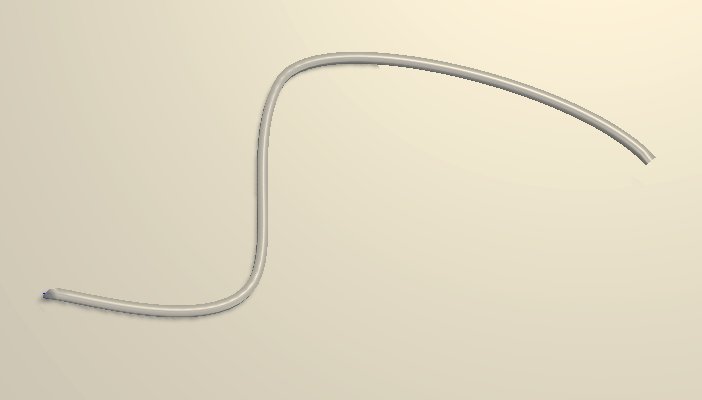
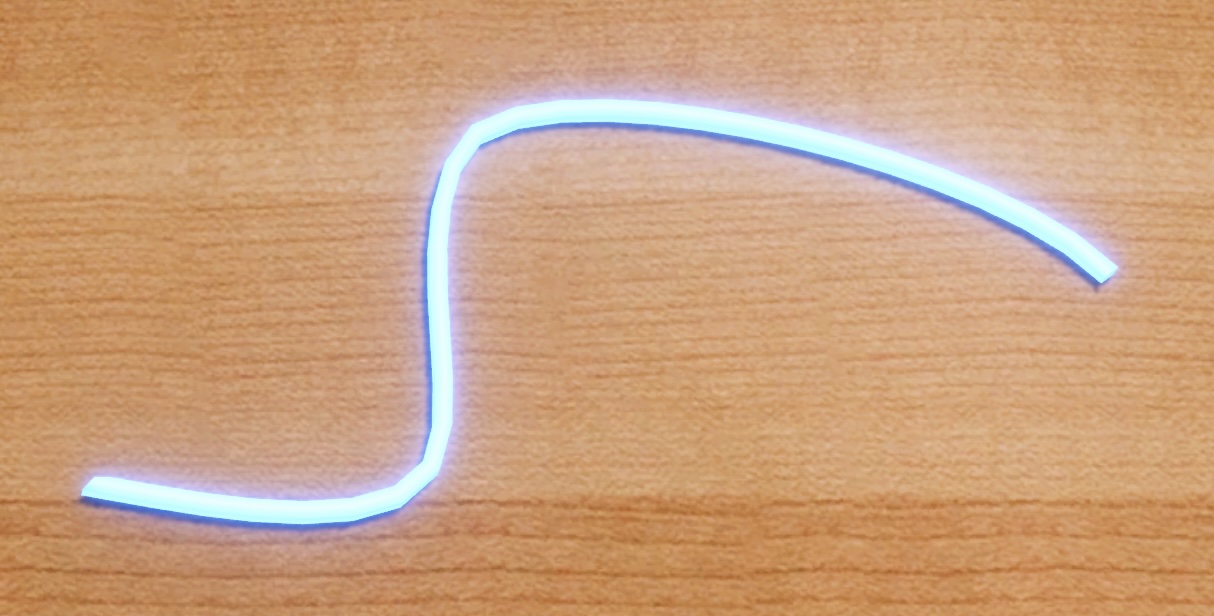
The wire is a cosmetic item useful for indicating connections or paths. Wires are not required to connect dynamic stage elements together; instead they exist purely to aid with clarity in level design. The wire has no collision.
Settings:
- Spline Path: The path the wire follows. Use the Unity Spline editing tools to adjust the wire. Note that changes to the Spline Extrude component are not read by the game.