Tankken's level builder is implemented as a Unity package. To use the level builder, you must first install Unity. This guide shows you how to do that.
If you have a Unity account, skip this step. You can create a Unity account at https://login.unity.com/en/sign-in. Once you have a Unity account, return to this page.
Visit https://unity3d.com/get-unity/download to download Unity Hub for your computer. Follow the instructions on the website to install it. After you install the Unity Hub, open it.
When you open the Unity Hub for the first time, you'll be presented with a screen that looks like this:
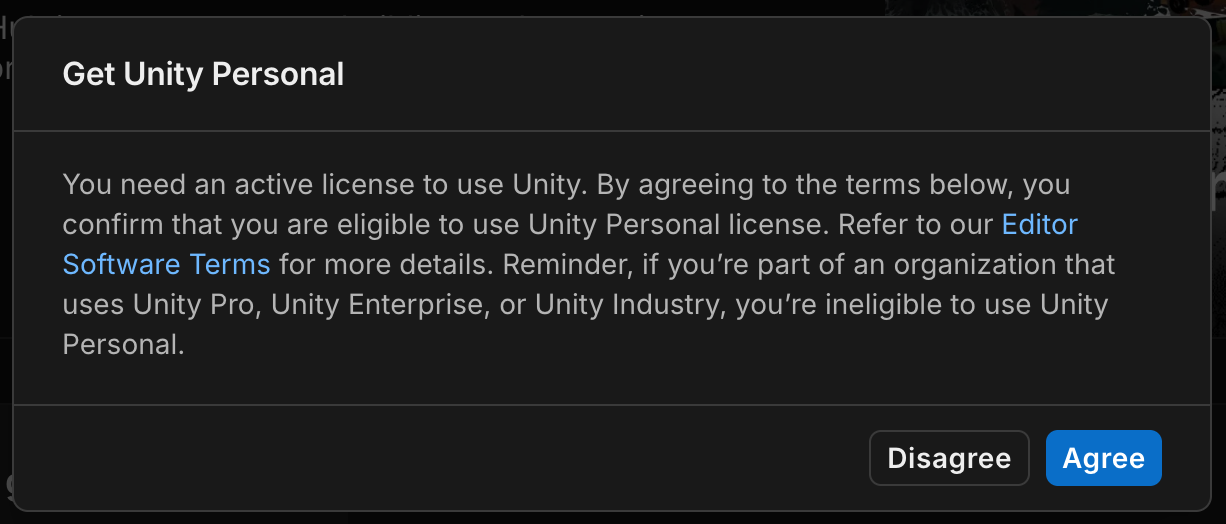
Press "Agree" and you'll be given a free license to Unity.
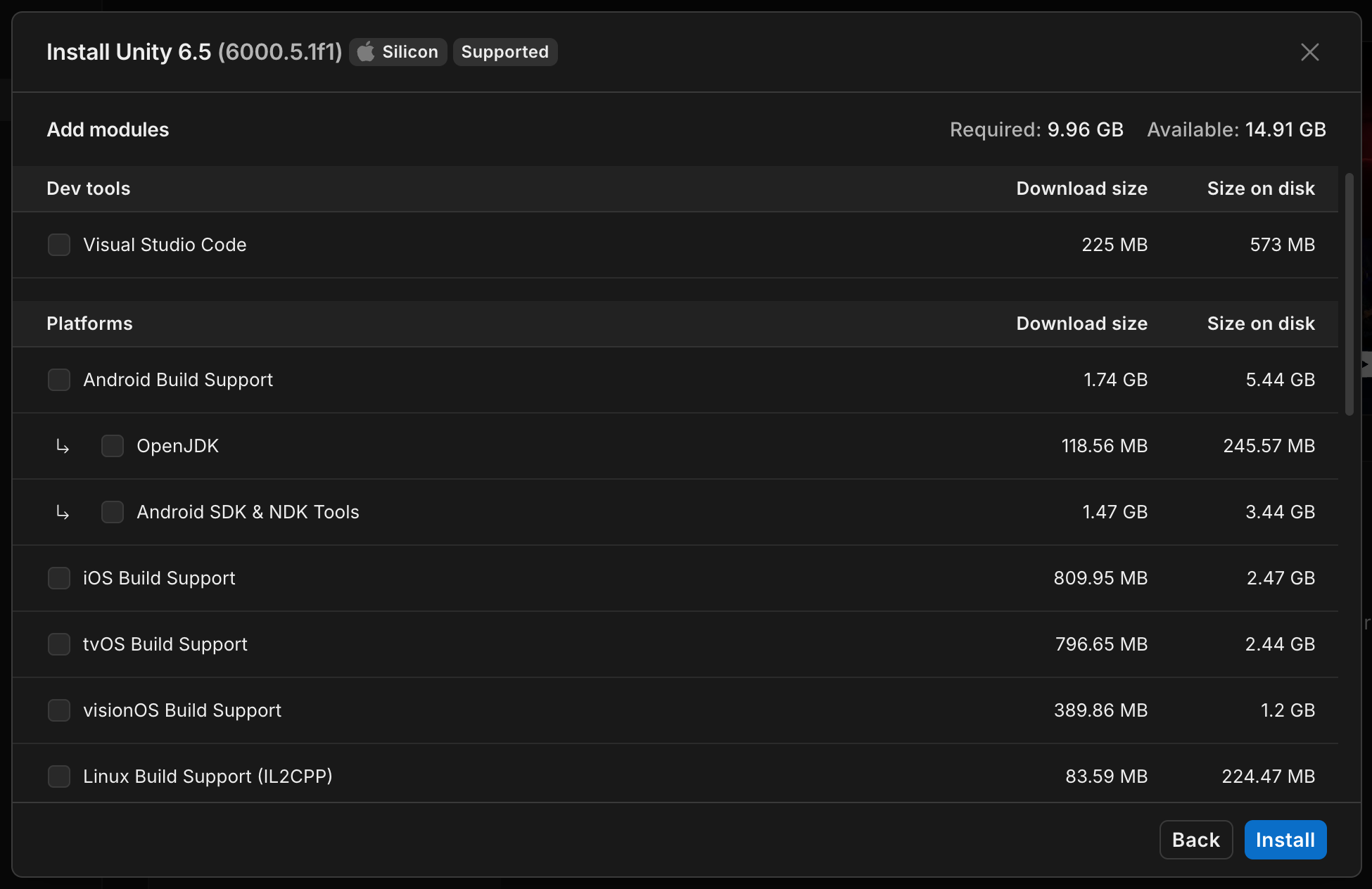
We most recently tested the Tankken Level Builder with Unity 6000.5.1f1. Click this link to install it with the Unity Hub: unityhub://6000.5.1f1/0d9463e84828
After clicking the link, you'll be presented with a screen that looks like this. Uncheck all optional components. You don't need them to create Tankken levels.
You're now all set up! Return to Getting Started to create your first level pack.