Documentation Home

Installing and Updating the Level Builder

Installing the Level Builder into your unity project is simple.

  1. Download the Level Builder .unitypackage for the correct Tankken game version.
  2. Open the Unity Project containing your level packs.
  3. Double-click the .unitypackage in your file browser, or drag it over the Unity window.
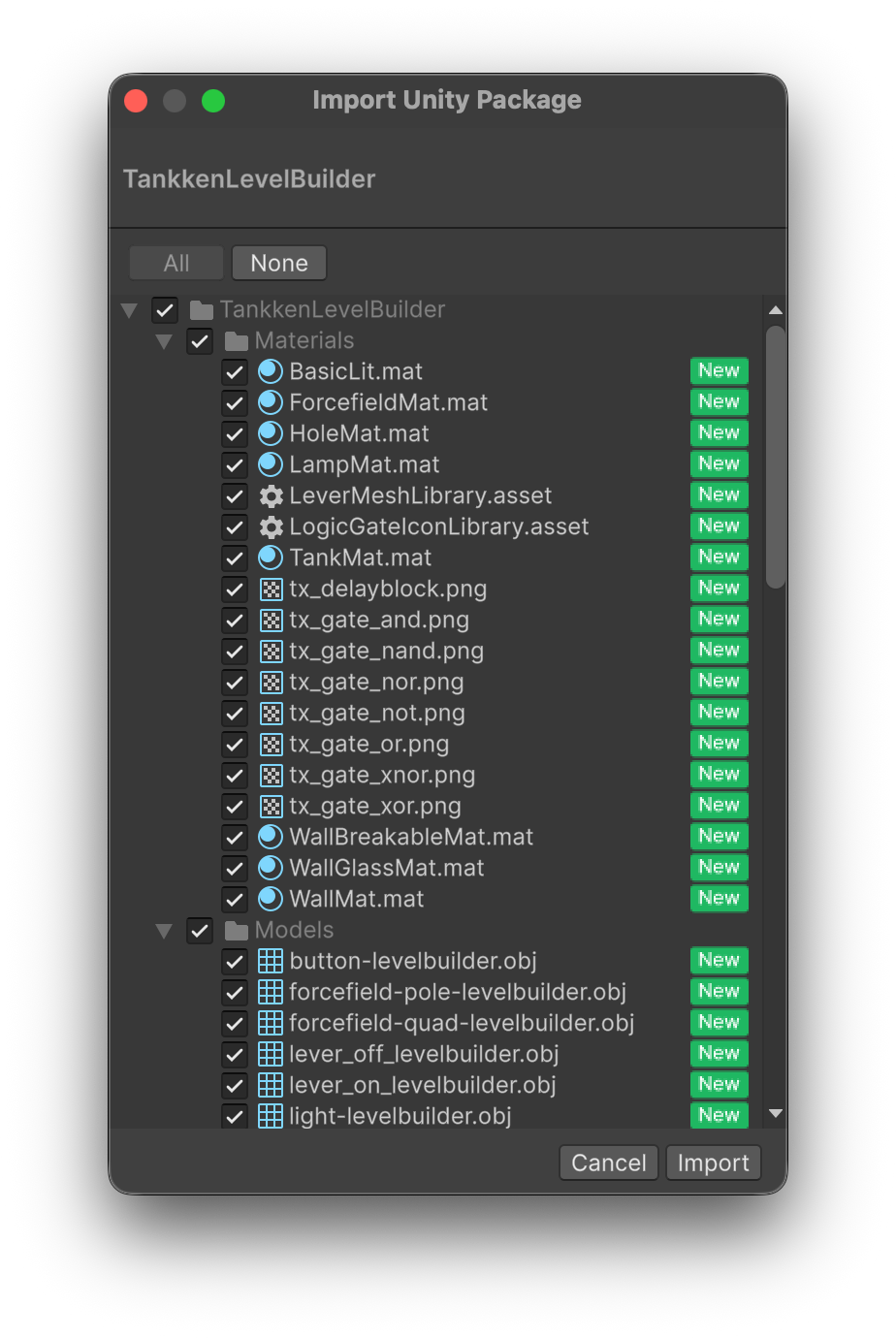
  4. Leave all checkmarks at their default state, and press Import.

Updating the Level Builder is identical to installing it. When performing the import to update, some checkboxes will be unchecked. This is fine, because Unity is doing an incremental import. To do a clean import, delete the TankkenLevelBuilder folder from your Unity project before importing.